
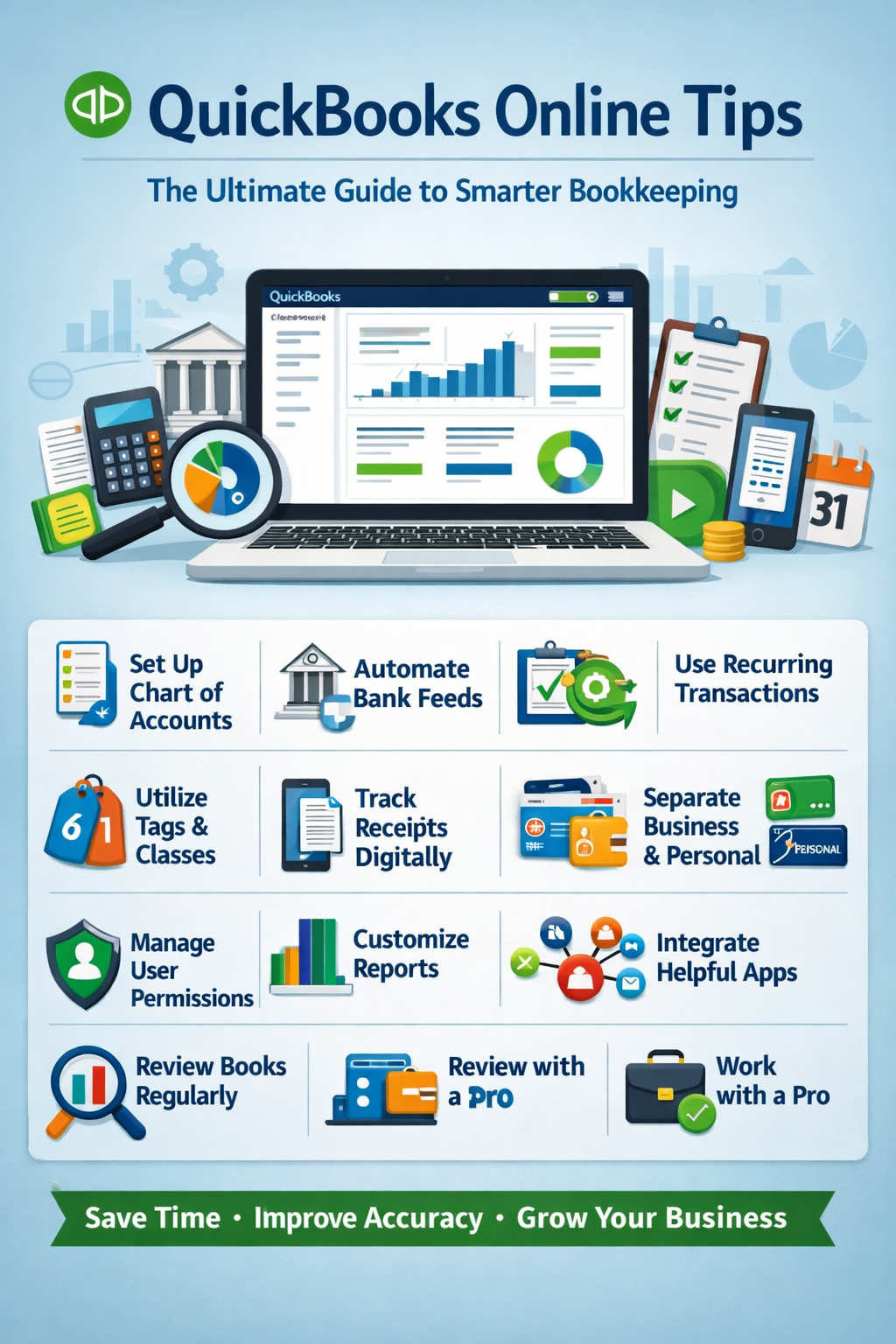

If you’re using QuickBooks Online (QBO), you’re already ahead of many small business owners. But most users barely scratch the surface of what it can actually do. With the right strategies, QuickBooks can save you hours each week, improve accuracy, and give you real financial clarity.
In this guide, we’ll walk through practical, high-impact QuickBooks Online tips to help you streamline your bookkeeping, avoid costly mistakes, and get the most out of your software.
Why QuickBooks Online Matters for Your Business
QuickBooks Online is one of the most popular cloud accounting tools because it offers:
- Real-time financial tracking
- Automation of repetitive tasks
- Easy integrations with apps and banks
- Accessibility from anywhere
But without proper setup and habits, it can become messy fast.
1. Set Up Your Chart of Accounts Correctly
Your Chart of Accounts is the foundation of your bookkeeping.
Tips:
- Keep it simple and relevant—don’t overcomplicate
- Use industry-specific categories when possible
- Avoid duplicate or unnecessary accounts
👉 A clean chart of accounts makes reporting and tax prep much easier.
2. Automate Bank Feeds and Rules
One of the biggest time-savers in QuickBooks Online is automation.
Use Bank Feeds:
- Connect your business bank and credit cards
- Transactions import automatically
Create Bank Rules:
- Auto-categorize recurring transactions
- Example: Assign “Software Subscription” to recurring SaaS charges
💡 Pro Tip: Review rules regularly to avoid misclassifications.
3. Reconcile Your Accounts Monthly
Reconciliation ensures your QuickBooks matches your real bank balances.
Why it matters:
- Catches errors early
- Prevents duplicate or missing transactions
- Keeps financial reports accurate
👉 Make it a habit: Reconcile at the end of every month—no exceptions.
4. Use Recurring Transactions
If you send the same invoices or bills repeatedly, automate them.
Examples:
- Monthly client retainers
- Subscription expenses
- Rent payments
This reduces manual work and ensures nothing gets missed.
5. Leverage Tags and Classes for Better Tracking
QuickBooks Online allows you to track data beyond basic categories.
Use Tags for:
- Marketing campaigns
- Events
- Projects
Use Classes/Locations for:
- Departments
- Business divisions
- Revenue streams
📊 This gives you deeper insights into profitability.
6. Customize Your Financial Reports
Default reports are helpful—but customization is where the magic happens.
Key reports to customize:
- Profit & Loss
- Cash Flow Statement
- Balance Sheet
Tips:
- Filter by date ranges
- Compare periods (month vs. month, year vs. year)
- Save custom reports for quick access
7. Track Receipts Digitally
Stop saving paper receipts.
Use QuickBooks features:
- Snap photos of receipts via mobile app
- Attach receipts to transactions
This helps with:
- Audit protection
- Expense validation
- Organization
8. Separate Business and Personal Finances
This is a non-negotiable best practice.
Why:
- Prevents bookkeeping confusion
- Simplifies taxes
- Maintains legal protection (especially for LLCs)
👉 Always use a dedicated business bank account.
9. Manage User Permissions Carefully
If you have a team or accountant:
- Assign role-based access
- Limit sensitive data visibility
- Regularly review user permissions
🔒 This protects your financial data from errors or misuse.
10. Integrate Apps to Expand Functionality
QuickBooks Online becomes much more powerful with integrations.
Popular integrations:
- Stripe / PayPal (payments)
- Gusto (payroll)
- Shopify / Amazon (ecommerce)
- Expensify (expense tracking)
These reduce manual entry and sync your data automatically.
11. Regularly Review Your Books (Not Just at Tax Time)
Many business owners only check their books once a year—that’s a mistake.
Instead:
- Review financials monthly or weekly
- Monitor:
- Profit margins
- Expenses
- Cash flow
📈 This helps you make better business decisions in real time.
12. Work With a Pro (When Needed)
Even if you handle day-to-day bookkeeping, consider:
- Hiring a bookkeeper for cleanup
- Consulting a CPA for tax strategy
💡 A small investment here can save thousands in errors or missed deductions.
Common QuickBooks Online Mistakes to Avoid
- Not reconciling accounts
- Overusing “Uncategorized Expense”
- Duplicating transactions
- Ignoring bank feed errors
- Failing to back up/export reports
Final Thoughts: Mastering QuickBooks Online
QuickBooks Online is more than just accounting software—it’s a financial command center for your business.
By implementing these tips, you can:
- Save time through automation
- Improve accuracy
- Gain clear financial insights
- Reduce stress during tax season
Frequently Asked Questions (FAQ)
Is QuickBooks Online good for small businesses?
Yes, it’s one of the best tools for small businesses due to its flexibility, automation, and scalability.
How often should I update QuickBooks Online?
Ideally, weekly—but at minimum, reconcile and review monthly.
Can I use QuickBooks Online without an accountant?
Yes, but working with a professional periodically is highly recommended.
