
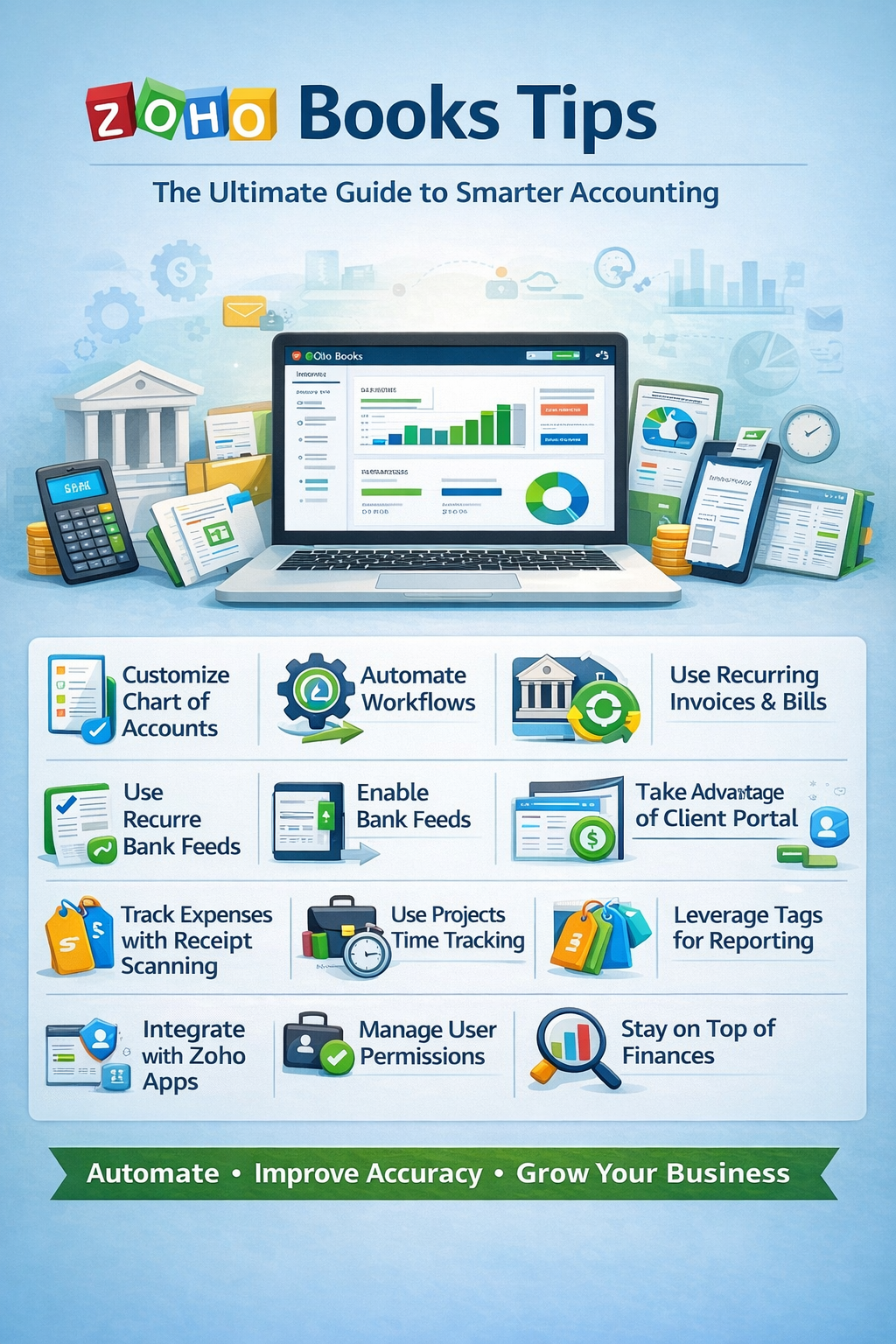
If you’re using Zoho Books, you already have a powerful accounting tool at your fingertips. But like most software, its true value comes from how you use it.
Whether you’re a small business owner, freelancer, or growing company, these Zoho Books tips will help you streamline your accounting, automate tasks, and gain better financial insights.
Why Zoho Books Is a Powerful Accounting Solution
Zoho Books stands out because it offers:
- Affordable, scalable pricing
- Strong automation features
- Seamless integration with the Zoho ecosystem
- Customization for different business types
But without proper setup, you can miss out on its full potential.
1. Customize Your Chart of Accounts Early
Your Chart of Accounts is the backbone of your financial system.
Tips:
- Tailor accounts to your industry
- Remove unnecessary default accounts
- Keep naming consistent and simple
👉 A clean structure makes reporting and tax filing much easier.
2. Automate Workflows to Save Time
Zoho Books shines when it comes to automation.
Use Workflows to:
- Send automatic payment reminders
- Trigger emails when invoices are created
- Update fields based on actions
💡 Pro Tip: Start with simple workflows, then expand as you get comfortable.
3. Enable Bank Feeds and Reconciliation
Connect your bank accounts to import transactions automatically.
Benefits:
- Reduces manual entry
- Improves accuracy
- Saves hours each month
👉 Don’t forget to reconcile accounts monthly to keep your books clean.
4. Use Recurring Invoices and Bills
If you bill clients regularly or have fixed expenses:
- Set up recurring invoices
- Automate recurring bills
This ensures consistency and eliminates repetitive work.
5. Take Advantage of Client Portal
Zoho Books includes a powerful client portal feature.
Clients can:
- View invoices
- Make payments
- Track transactions
📈 This improves customer experience and speeds up payments.
6. Track Expenses with Receipt Scanning
Ditch paper receipts.
Use Zoho Books mobile app to:
- Scan receipts instantly
- Attach them to expenses
- Store everything digitally
This helps with organization and audit readiness.
7. Use Projects and Time Tracking
For service-based businesses, this is a game changer.
Track:
- Billable hours
- Project expenses
- Profitability per project
👉 This ensures you’re charging correctly and staying profitable.
8. Leverage Tags for Advanced Reporting
Tags allow deeper insights beyond categories.
Use tags for:
- Campaign tracking
- Locations
- Business units
📊 This gives you better visibility into what’s working.
9. Customize Financial Reports
Zoho Books offers highly customizable reports.
Key reports:
- Profit & Loss
- Balance Sheet
- Cash Flow
Tips:
- Compare periods
- Filter by tags or projects
- Save custom views
10. Integrate with Zoho Ecosystem and Apps
Zoho Books works best when connected with other tools.
Popular integrations:
- Zoho CRM (customer data)
- Zoho Inventory (stock management)
- Stripe / PayPal (payments)
This creates a seamless business workflow.
11. Manage User Roles and Permissions
If you have a team:
- Assign role-based permissions
- Limit access to sensitive financial data
- Review permissions regularly
🔒 Keeps your financial data secure.
12. Stay on Top of Your Finances Weekly
Don’t wait until tax season.
Instead:
- Review reports weekly or monthly
- Monitor cash flow
- Track expenses and income trends
📈 Better data = better decisions.
Common Zoho Books Mistakes to Avoid
- Ignoring automation features
- Not reconciling accounts
- Poor chart of accounts setup
- Failing to use tags or projects
- Not reviewing reports regularly
Zoho Books vs QuickBooks: Quick Insight
While QuickBooks is widely known, Zoho Books offers:
- More automation flexibility
- Better pricing for small businesses
- Strong ecosystem integrations
👉 The right choice depends on your business needs.
Final Thoughts: Mastering Zoho Books
Zoho Books isn’t just accounting software—it’s a complete financial management system.
By applying these tips, you can:
- Automate repetitive tasks
- Improve accuracy
- Gain deeper insights
- Scale your business with confidence
Frequently Asked Questions (FAQ)
Is Zoho Books good for small businesses?
Yes, it’s one of the best affordable accounting tools for small businesses and freelancers.
How often should I update Zoho Books?
Weekly is ideal, but at minimum, review and reconcile monthly.
Can Zoho Books replace an accountant?
It helps manage day-to-day accounting, but working with a professional is still recommended.
