
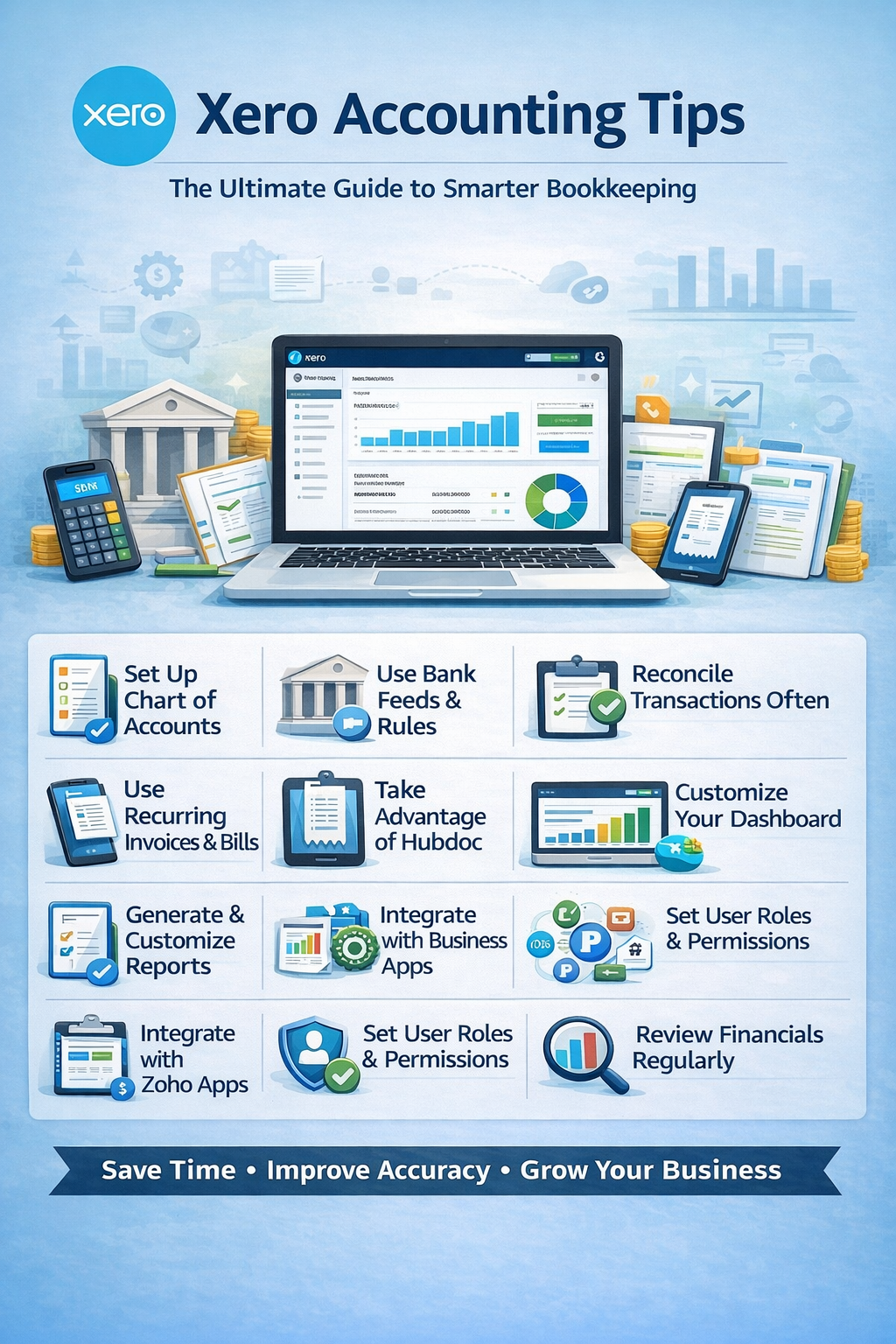
If you’re using Xero, you’re already leveraging one of the most powerful cloud accounting platforms available today. But like any tool, its effectiveness depends on how well you use it.
In this guide, we’ll cover practical Xero accounting tips to help you automate your processes, improve accuracy, and gain better control over your business finances.
Why Xero Is a Top Choice for Businesses
Xero is محبوب among small businesses and accountants because it offers:
- Real-time financial data
- Strong bank integration
- User-friendly interface
- Extensive app marketplace
But to truly benefit, you need to go beyond basic usage.
1. Set Up Your Chart of Accounts Properly
Your Chart of Accounts is the foundation of your accounting system.
Tips:
- Keep it simple and relevant
- Avoid duplicate accounts
- Use industry-specific categories
👉 A well-organized chart makes reporting and tax filing much easier.
2. Use Bank Feeds and Rules for Automation
Xero’s bank feeds are one of its strongest features.
Benefits:
- Automatically imports transactions
- Reduces manual data entry
Set Up Bank Rules:
- Categorize recurring transactions automatically
- Example: Assign “Utilities” to monthly bills
💡 Pro Tip: Review rules periodically to prevent errors.
3. Reconcile Transactions Daily or Weekly
Reconciliation is key to accurate books.
Why it matters:
- Keeps accounts up to date
- Prevents duplicate entries
- Ensures accurate reporting
👉 Xero’s interface makes reconciliation fast—use it regularly.
4. Use Recurring Invoices and Bills
If you have repeat customers or fixed expenses:
- Automate invoices
- Schedule recurring bills
This saves time and ensures consistency.
5. Take Advantage of Hubdoc (Receipt Capture)
Xero integrates with Hubdoc for document management.
Use it to:
- Capture receipts and bills
- Extract data automatically
- Attach documents to transactions
📂 This improves organization and audit readiness.
6. Track Projects for Profitability
Xero Projects helps you monitor:
- Time spent on jobs
- Expenses per project
- Profitability
👉 Ideal for agencies, consultants, and service businesses.
7. Customize Your Dashboard
Xero’s dashboard gives you a snapshot of your finances.
Customize to show:
- Cash balance
- Outstanding invoices
- Bills to pay
📊 This gives you real-time financial visibility.
8. Use Contacts and Smart Lists
Keep your customer and supplier data organized.
Benefits:
- Track payment history
- Automate communication
- Segment clients
This helps improve relationships and cash flow.
9. Generate and Customize Reports
Xero offers powerful reporting tools.
Key reports:
- Profit & Loss
- Balance Sheet
- Cash Flow
Tips:
- Compare time periods
- Customize layouts
- Save report templates
10. Integrate with Business Apps
Xero integrates with hundreds of apps.
Popular integrations:
- Stripe / PayPal (payments)
- Shopify / Amazon (ecommerce)
- Gusto / Deel (payroll)
This reduces manual work and keeps everything synced.
11. Set User Roles and Permissions
If you work with a team:
- Assign role-based access
- Limit sensitive financial data
- Review permissions regularly
🔒 Helps protect your business data.
12. Review Financials Regularly
Don’t wait until tax time.
Instead:
- Check reports weekly or monthly
- Monitor cash flow
- Analyze expenses
📈 This helps you make smarter business decisions.
Common Xero Mistakes to Avoid
- Not reconciling regularly
- Overcomplicating the chart of accounts
- Ignoring automation features
- Duplicate transactions
- Not reviewing reports
Xero vs Other Accounting Software (Quick Insight)
Xero stands out for:
- Clean, user-friendly interface
- Strong bank reconciliation features
- Excellent integrations
👉 It’s especially popular with accountants and growing businesses.
Final Thoughts: Mastering Xero
Xero is more than just accounting software—it’s a financial management system designed to help your business grow.
By applying these tips, you can:
- Save time with automation
- Improve accuracy
- Gain real-time insights
- Scale your operations confidently
Frequently Asked Questions (FAQ)
Is Xero good for small businesses?
Yes, Xero is one of the best accounting platforms for small businesses and startups.
How often should I use Xero?
Ideally weekly, but at minimum reconcile and review monthly.
Can Xero replace an accountant?
It simplifies bookkeeping, but professional guidance is still recommended.
