
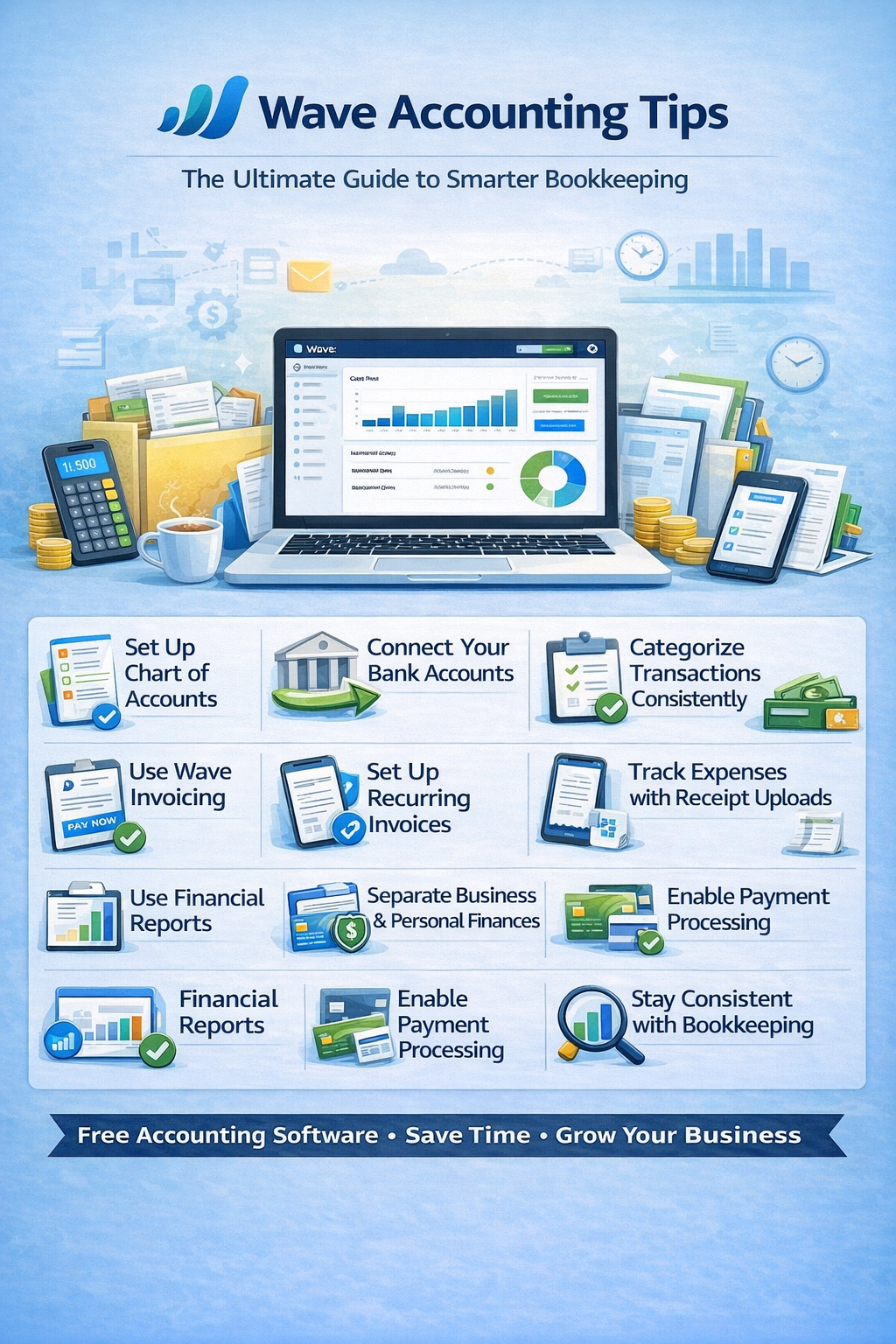
If you’re using Wave Accounting, you’re taking advantage of one of the best free accounting tools for small businesses and freelancers. But while Wave is simple to use, many users miss out on features that can save time and improve financial accuracy.
In this guide, we’ll walk through powerful Wave Accounting tips to help you streamline your bookkeeping, stay organized, and make smarter financial decisions.
Why Wave Accounting Is a Great Choice
Wave stands out because it offers:
- 100% free accounting software
- Built-in invoicing and receipt tracking
- Simple, user-friendly interface
- Ideal for freelancers and small businesses
👉 But to get the most out of it, you need the right workflows.
1. Set Up Your Chart of Accounts Properly
Your Chart of Accounts is the foundation of your financial system.
Tips:
- Keep accounts simple and relevant
- Customize categories to match your business
- Avoid duplicates
👉 A clean structure leads to better reporting and easier tax prep.
2. Connect Your Bank Accounts
Wave allows you to link your bank and credit card accounts.
Benefits:
- Automatic transaction imports
- Reduced manual data entry
- Real-time financial updates
💡 Pro Tip: Review imported transactions regularly to ensure accuracy.
3. Categorize Transactions Consistently
Proper categorization is key to accurate financial reports.
Tips:
- Create clear expense categories
- Use the same categories consistently
- Avoid overusing “uncategorized”
👉 This makes tax time much easier.
4. Reconcile Your Accounts Monthly
Even with automation, reconciliation is essential.
Why it matters:
- Ensures your books match your bank
- Detects missing or duplicate transactions
- Keeps financial reports accurate
👉 Make reconciliation a monthly habit.
5. Use Wave Invoicing to Get Paid Faster
Wave includes built-in invoicing tools.
Best practices:
- Customize invoices with your branding
- Set clear payment terms
- Enable online payments
💰 Faster invoices = faster cash flow.
6. Set Up Recurring Invoices
If you have repeat clients:
- Automate recurring invoices
- Schedule billing cycles
This reduces manual work and ensures consistent income.
7. Track Expenses with Receipt Uploads
Wave allows you to upload and attach receipts.
Benefits:
- Keeps records organized
- Helps during audits
- Improves expense tracking
📂 Go paperless for better efficiency.
8. Monitor Cash Flow Regularly
Cash flow is critical for small businesses.
Track:
- Incoming payments
- Upcoming expenses
- Account balances
👉 Check your dashboard weekly to stay in control.
9. Use Financial Reports to Make Decisions
Wave provides essential reports.
Key reports:
- Profit & Loss
- Balance Sheet
- Sales reports
Tips:
- Review reports monthly
- Look for trends
- Adjust spending accordingly
10. Separate Business and Personal Finances
This is one of the most important rules.
Why:
- Simplifies bookkeeping
- Avoids confusion
- Protects your business legally
👉 Always use a dedicated business bank account.
11. Enable Payment Processing
Wave allows you to accept payments directly.
Options include:
- Credit cards
- Bank payments
💡 This helps you get paid faster and reduces friction for clients.
12. Stay Consistent with Bookkeeping
Consistency is key to success.
Best practice:
- Update your books weekly
- Review transactions regularly
- Stay organized
📈 Small habits lead to big financial clarity.
Common Wave Accounting Mistakes to Avoid
- Not reconciling accounts
- Ignoring transaction categorization
- Mixing personal and business finances
- Forgetting to review reports
- Not using invoicing features
Wave vs Other Accounting Software (Quick Insight)
Wave stands out for:
- Being completely free
- Simplicity and ease of use
- Strong invoicing features
👉 However, it may lack advanced features found in paid tools like QuickBooks or Xero.
Final Thoughts: Mastering Wave Accounting
Wave Accounting is more than just free software—it’s a powerful tool for managing your finances efficiently.
By applying these tips, you can:
- Save time through automation
- Improve accuracy
- Stay organized
- Grow your business confidently
Frequently Asked Questions (FAQ)
Is Wave Accounting really free?
Yes, Wave’s core accounting, invoicing, and receipt tracking features are free.
Who should use Wave Accounting?
Freelancers, solopreneurs, and small businesses with simple accounting needs.
How often should I update Wave?
Weekly is ideal, but at minimum review your books monthly.
