
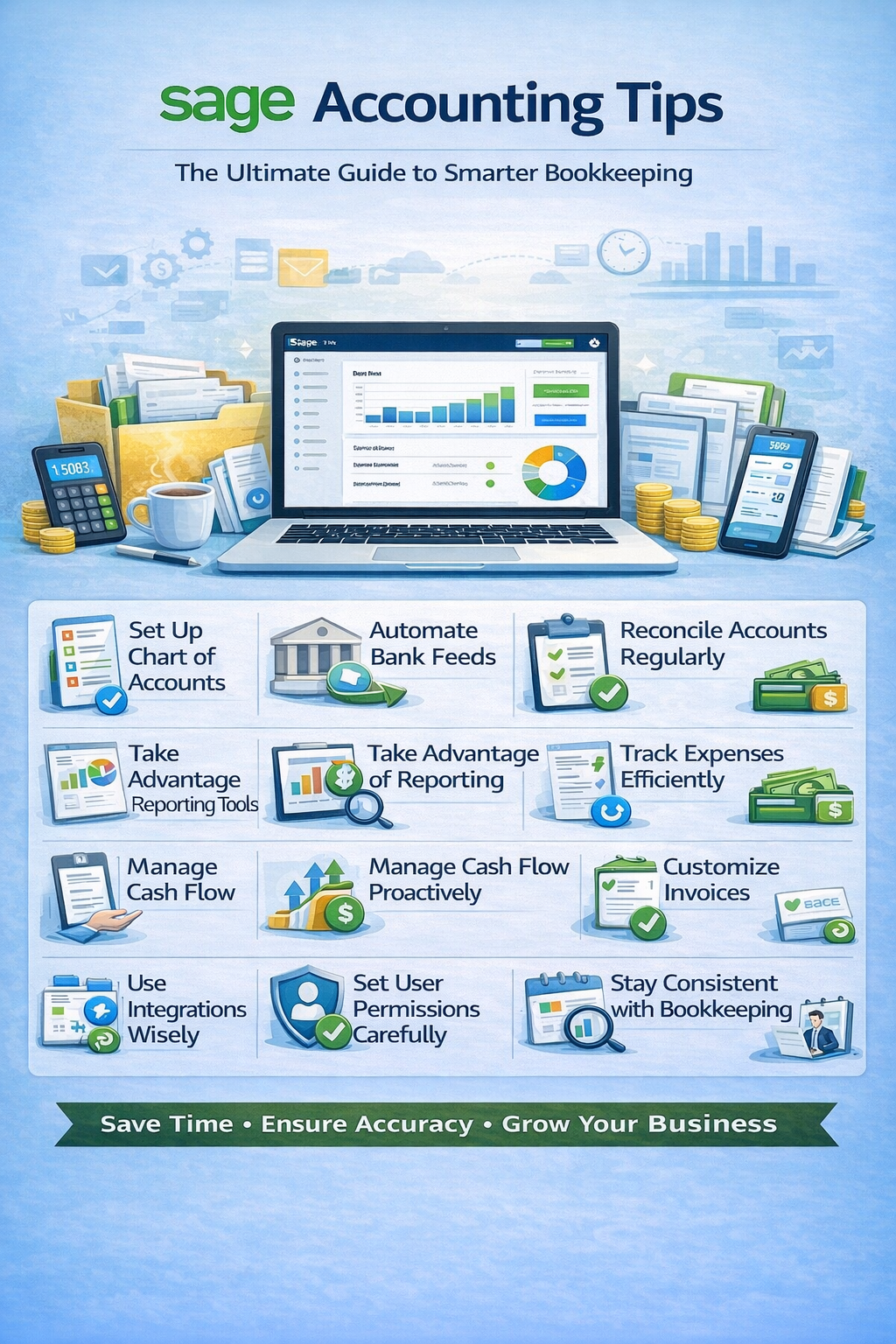
If you’re using Sage Accounting, you’re working with a trusted and powerful accounting solution used by businesses worldwide. But to truly maximize its potential, you need more than just basic usage.
In this guide, we’ll cover essential Sage Accounting tips to help you streamline your bookkeeping, improve accuracy, and gain better financial control.
Why Sage Accounting Is a Strong Choice
Sage Accounting is popular because it offers:
- Reliable and scalable accounting tools
- Strong reporting capabilities
- Cloud accessibility
- Features for growing businesses
👉 But without proper setup and habits, you may not be getting the full benefit.
1. Set Up Your Chart of Accounts Correctly
Your Chart of Accounts is the backbone of your accounting system.
Tips:
- Keep accounts organized and simple
- Customize for your industry
- Avoid duplicate or unnecessary accounts
👉 A clean structure ensures better reporting and easier tax preparation.
2. Automate Bank Feeds and Imports
Sage allows you to connect your bank accounts for automation.
Benefits:
- Automatically import transactions
- Reduce manual data entry
- Improve accuracy
💡 Pro Tip: Review imported transactions regularly to catch errors early.
3. Reconcile Accounts Regularly
Reconciliation is critical for maintaining accurate books.
Why it matters:
- Matches your records with your bank
- Detects discrepancies
- Prevents errors from piling up
👉 Make reconciliation a monthly habit at minimum.
4. Use Recurring Transactions
If you have regular income or expenses:
- Set up recurring invoices
- Automate recurring bills
This saves time and ensures consistency.
5. Take Advantage of Sage Reporting Tools
Sage offers robust reporting features.
Key reports:
- Profit & Loss
- Balance Sheet
- Cash Flow
Tips:
- Customize reports for your needs
- Compare periods (monthly, yearly)
- Use reports to guide decisions
6. Track Expenses Efficiently
Proper expense tracking keeps your finances clean.
Tips:
- Categorize expenses correctly
- Attach receipts when possible
- Review expenses regularly
👉 This simplifies tax filing and improves accuracy.
7. Manage Cash Flow Proactively
Cash flow is the lifeline of your business.
Monitor:
- Incoming payments
- Upcoming bills
- Account balances
📊 Regular monitoring helps avoid financial surprises.
8. Customize Invoices for Professional Branding
Make your invoices stand out.
Tips:
- Add your logo and branding
- Use clear payment terms
- Include payment options
💰 Professional invoices help you get paid faster.
9. Use Integrations to Expand Functionality
Sage integrates with various tools.
Popular integrations:
- Payment processors
- CRM systems
- Payroll software
This reduces manual work and improves efficiency.
10. Set User Permissions Carefully
If you have a team:
- Assign role-based access
- Limit sensitive data exposure
- Review permissions regularly
🔒 Keeps your financial data secure.
11. Stay Consistent with Bookkeeping
Consistency is key.
Best practices:
- Update your books weekly
- Review transactions regularly
- Keep everything organized
👉 Small habits prevent big problems.
12. Work with an Accountant When Needed
Even with great software, professional input matters.
Benefits:
- Catch errors early
- Optimize tax strategies
- Ensure compliance
💡 A little expert help can go a long way.
Common Sage Accounting Mistakes to Avoid
- Not reconciling accounts
- Poor chart of accounts setup
- Ignoring automation features
- Failing to review reports
- Inconsistent bookkeeping
Sage vs Other Accounting Software (Quick Insight)
Sage stands out for:
- Strong reporting capabilities
- Scalability for growing businesses
- Reliability and long-standing reputation
👉 It’s often preferred by businesses that need more robust accounting features.
Final Thoughts: Mastering Sage Accounting
Sage Accounting is more than just software—it’s a powerful financial management system for businesses at various stages.
By applying these tips, you can:
- Save time with automation
- Improve accuracy
- Gain better financial insights
- Grow your business with confidence
Frequently Asked Questions (FAQ)
Is Sage Accounting good for small businesses?
Yes, Sage offers solutions suitable for small to mid-sized businesses.
How often should I update Sage Accounting?
Weekly is ideal, but at minimum review and reconcile monthly.
Can Sage replace an accountant?
It helps manage bookkeeping, but professional advice is still recommended.
