
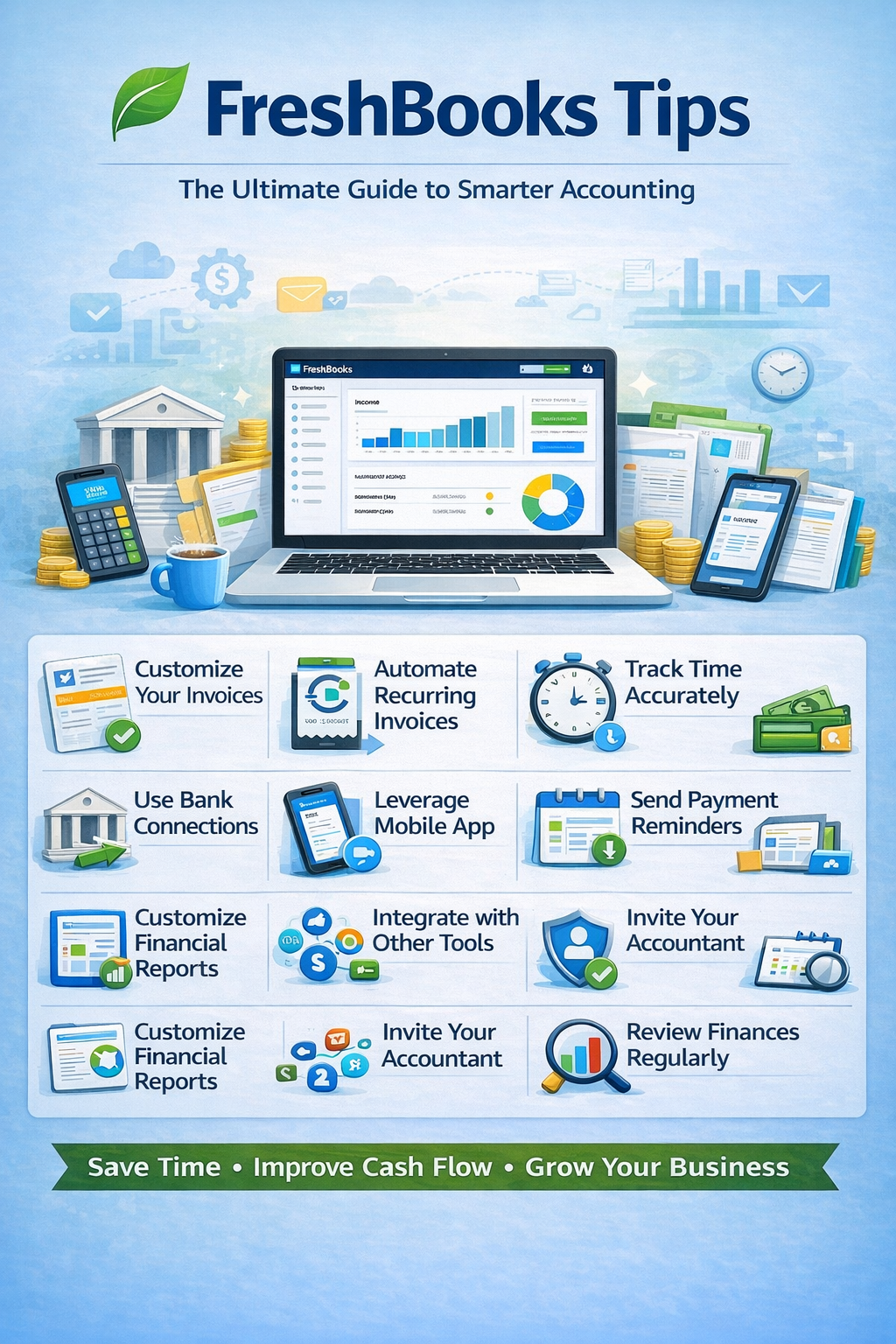
If you’re using FreshBooks, you’re already leveraging one of the most user-friendly accounting tools designed for small businesses and freelancers. But to truly maximize its value, you need to go beyond the basics.
In this guide, we’ll cover powerful FreshBooks tips to help you automate tasks, stay organized, and gain better control over your finances.
Why FreshBooks Is Ideal for Small Businesses & Freelancers
FreshBooks is محبوب among service-based businesses because it offers:
- Simple, intuitive interface
- Strong invoicing features
- Built-in time tracking
- Easy expense management
But without the right setup and habits, you may not be using it to its full potential.
1. Customize Your Invoices for a Professional Look
FreshBooks excels at invoicing—make it work for your brand.
Tips:
- Add your logo and brand colors
- Use clear payment terms
- Include personalized messages
👉 Professional invoices help you get paid faster and build trust.
2. Automate Recurring Invoices and Payments
If you have repeat clients:
- Set up recurring invoices
- Enable auto-billing for subscriptions
This ensures consistent cash flow and reduces manual work.
3. Track Time Accurately (and Bill for It)
FreshBooks includes built-in time tracking—use it fully.
Track:
- Hours worked per project
- Billable vs non-billable time
💡 Pro Tip: Convert tracked time directly into invoices.
4. Organize Expenses with Categories
Expense tracking is critical for financial clarity.
Tips:
- Categorize expenses consistently
- Attach receipts to transactions
- Review expenses weekly
👉 This simplifies tax prep and improves reporting accuracy.
5. Use Bank Connections for Automation
Connect your bank and credit card accounts to FreshBooks.
Benefits:
- Automatic transaction imports
- Reduced manual data entry
- Improved accuracy
6. Take Advantage of Mobile App Features
FreshBooks mobile app lets you manage finances on the go.
Use it to:
- Create invoices instantly
- Track expenses
- Capture receipts
📱 Perfect for freelancers and business owners on the move.
7. Send Payment Reminders Automatically
Late payments can hurt your cash flow.
Set up reminders to:
- Notify clients before due dates
- Follow up on overdue invoices
👉 This helps you get paid faster without awkward conversations.
8. Use Projects to Manage Client Work
FreshBooks allows you to organize work by project.
Track:
- Time
- Expenses
- Profitability
This helps ensure every project is financially viable.
9. Customize Financial Reports
FreshBooks offers essential reporting tools.
Key reports:
- Profit & Loss
- Expense reports
- Accounts aging
Tips:
- Review reports monthly
- Identify trends and opportunities
10. Integrate with Other Tools
FreshBooks becomes more powerful with integrations.
Popular integrations:
- Stripe / PayPal (payments)
- G Suite / Outlook (communication)
- Zapier (automation)
This helps streamline your workflow.
11. Invite Your Accountant or Team
FreshBooks allows collaboration.
Benefits:
- Give your accountant access
- Share financial data securely
- Reduce back-and-forth
🔒 Assign permissions carefully to protect sensitive data.
12. Stay Consistent with Financial Reviews
Don’t wait until tax season.
Instead:
- Review finances weekly or monthly
- Monitor income and expenses
- Track cash flow
📈 This helps you make smarter business decisions.
Common FreshBooks Mistakes to Avoid
- Not tracking time accurately
- Ignoring expense categorization
- Failing to automate invoices
- Not following up on late payments
- Skipping regular financial reviews
FreshBooks vs Other Accounting Software (Quick Insight)
FreshBooks stands out for:
- Best-in-class invoicing
- Simplicity and ease of use
- Ideal for freelancers and service-based businesses
👉 It may lack some advanced features compared to others, but excels in usability.
Final Thoughts: Mastering FreshBooks
FreshBooks is more than just invoicing software—it’s a complete financial tool for small businesses.
By applying these tips, you can:
- Save time with automation
- Improve cash flow
- Stay organized
- Grow your business with confidence
Frequently Asked Questions (FAQ)
Is FreshBooks good for freelancers?
Yes, it’s one of the best tools for freelancers and service-based businesses.
How often should I update FreshBooks?
Weekly is ideal, but at minimum review your books monthly.
Can FreshBooks replace an accountant?
It simplifies bookkeeping, but professional advice is still recommended.
